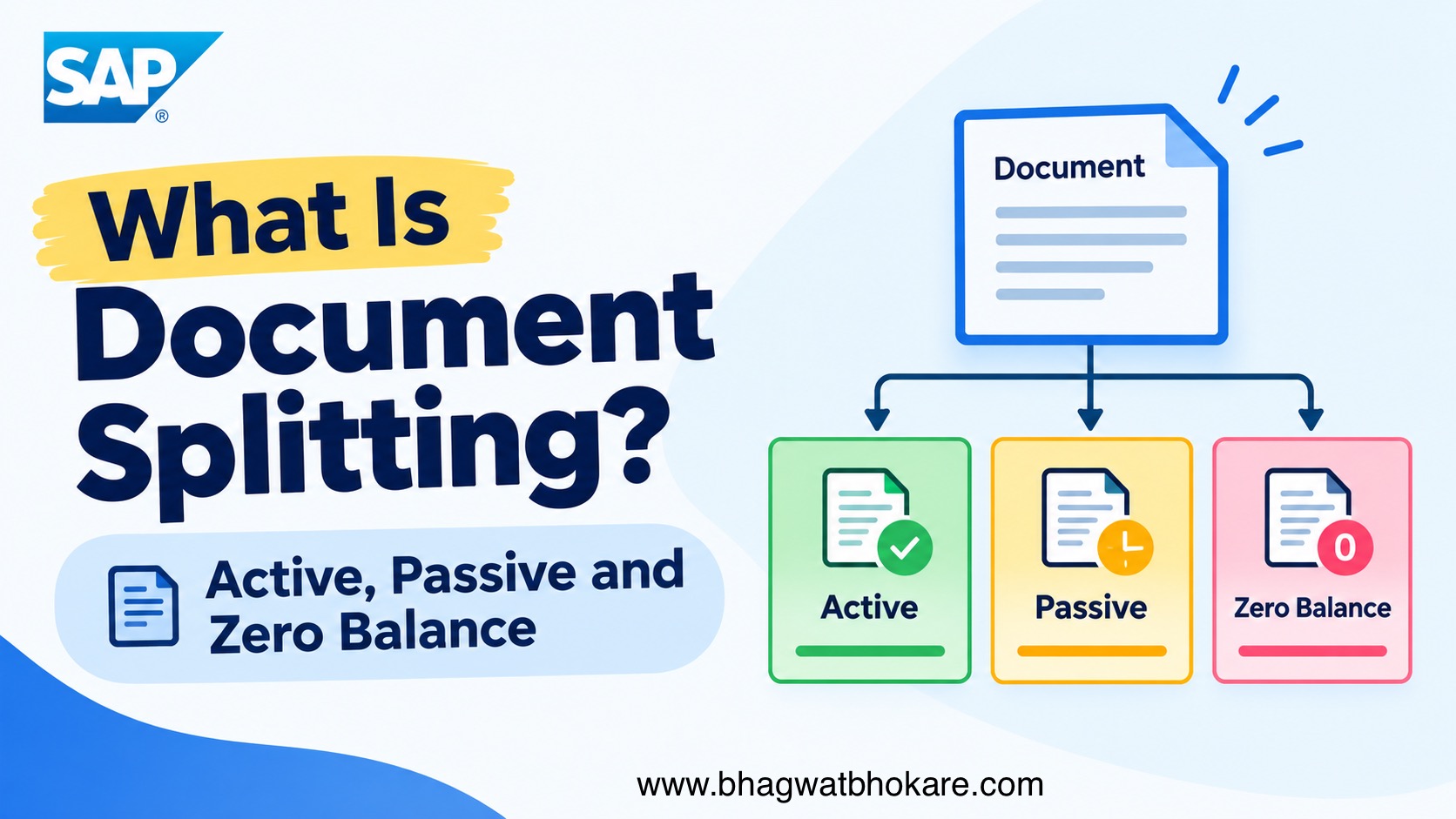
Document splitting is a General Ledger (G/L) functionality in SAP S/4HANA that divides accounting document line items based on selected characteristics, such as Profit Center and Segment.
It helps organizations prepare complete financial statements for individual reporting dimensions.
Example:
A company wants to prepare separate balance sheets for Segment A and Segment B. Document splitting ensures that relevant balance sheet items, such as vendor payables, are assigned to the appropriate segments.
Key Benefits
- Enables segment-level financial statements.
- Supports profit-center-level reporting.
- Assigns missing account assignments to relevant line items.
- Supports zero-balance reporting for selected characteristics.
- Creates additional clearing lines when required to balance individual reporting dimensions.
Important: Document splitting primarily affects the General Ledger view. The original entry view and subledger open-item structure are not necessarily split in the same way.
Types of documents splitting
1. Active Document Splitting
Definition
Active document splitting is the rule-based splitting of accounting document line items according to the configured document splitting method and rules.
The system uses the relevant business transaction, item categories, and splitting rules to determine how line items should be split.
Real-Time Example: Vendor Invoice
A vendor invoice is posted for two expenses belonging to different segments.
Entry View
| Account | Amount | Segment |
| Vendor | €1,000 Cr | – |
| Expense A | €400 Dr | Segment A |
| Expense B | €600 Dr | Segment B |
| Total | €1,000 Dr / Cr |
The vendor line does not have a segment assigned in the entry view.
General Ledger View After Active Splitting
| Account | Amount | Segment |
| Vendor | €400 Cr | Segment A |
| Vendor | €600 Cr | Segment B |
| Expense A | €400 Dr | Segment A |
| Expense B | €600 Dr | Segment B |
What Happened?
SAP split the vendor payable line according to the expense lines.
- Segment A receives a payable of €400.
- Segment B receives a payable of €600.
- The document remains balanced overall.
- Each segment has a balanced set of relevant accounting entries.
Key Point: Active splitting is rule-based and configurable through document splitting Customizing.
2. Passive Document Splitting
Definition
Passive document splitting occurs when SAP derives account assignments from referenced documents or existing account assignments during processes such as clearing, payment, clearing reset, and reversal.
Unlike active splitting, passive splitting is determined by the existing document relationships and is not controlled through separate splitting rules in Customizing.
Real-Time Example: Vendor Payment
Assume the original vendor invoice contains:
| Account | Amount | Segment |
| Vendor Payable | €400 Cr | Segment A |
| Vendor Payable | €600 Cr | Segment B |
The company pays the vendor €1,000.
Payment — General Ledger View
| Account | Amount | Segment |
| Bank | €400 Cr | Segment A |
| Bank | €600 Cr | Segment B |
| Vendor Payable | €400 Dr | Segment A |
| Vendor Payable | €600 Dr | Segment B |
Debit/credit signs depend on the display convention. The intended accounting effect is a €1,000 bank debit and a €1,000 payable credit in the payment document.
What Happened?
The payment clearing process derives the relevant segment assignments from the original invoice.
The payable clearing lines retain the original segment allocation.
Key Point: Passive splitting follows existing document relationships rather than applying a new, independently configured distribution rule.
3. Zero-Balance Formation
Definition
Zero-balance formation ensures that the accounting document balances to zero for each selected balancing characteristic, such as Segment.
If the split document does not balance for a characteristic configured for zero-balance processing, SAP can automatically generate additional clearing lines.
Real-Time Example: Transfer Between Segments
Assume a company transfers €1,000 from Segment A to Segment B.
Business Transaction
| Account | Debit | Credit | Segment |
| Expense/Transfer Account | €1,000 | – | Segment B |
| Expense/Transfer Account | – | €1,000 | Segment A |
| Total | €1,000 | €1,000 |
The overall document balances, but the segment balances do not.
- Segment A has a €1,000 credit.
- Segment B has a €1,000 debit.
If Segment is configured as a zero-balance characteristic, SAP can create additional clearing lines.
Illustrative General Ledger View
| Account | Debit | Credit | Segment |
| Transfer Account | €1,000 | – | Segment B |
| Transfer Account | – | €1,000 | Segment A |
| Zero-Balance Clearing | €1,000 | – | Segment A |
| Zero-Balance Clearing | – | €1,000 | Segment B |
The additional lines offset the respective segment imbalances.
Result: Each segment balances to zero for the document, while the overall document remains balanced.
Note: This is a simplified illustration. The actual clearing lines and amounts depend on the document splitting rules, balancing characteristics, and account assignments.
Key Points
- Zero-balance formation is different from active and passive splitting.
- It can generate additional G/L clearing lines.
- The relevant characteristics must be configured for zero-balance processing.
- A zero-balance clearing account must be configured where required.
Important Interview Questions
Q1. Why is document splitting used in SAP S/4HANA?
To produce complete financial statements for reporting dimensions such as segments and profit centers.
Q2. What is active document splitting?
Rule-based splitting of document line items according to the configured document splitting method and rules.
Q3. What is passive document splitting?
Splitting that derives account assignments from referenced documents or existing assignments during processes such as clearing and reversal.
Q4. What is zero-balance formation?
The creation of additional clearing lines when required to ensure that selected balancing characteristics have a zero balance within the document.
Q5. What is inheritance?
The transfer of a uniquely identifiable account assignment to line items where that assignment is missing.
Q6. What is the difference between the entry view and the General Ledger view?
The entry view shows the document as entered, while the General Ledger view shows the ledger-relevant postings, including document splitting and generated clearing lines.
Q7. Does passive splitting require separate splitting rules?
No. Passive splitting is determined by existing document relationships and is not controlled by separate passive splitting rules in Customizing.
Remember This
Active = Rule-based splitting
Passive = Existing document references
Zero Balance = Additional clearing lines to balance selected characteristics
Document Splitting = Complete financial statements for selected reporting dimensions
Real time scenarios and Interview Q&A Books
Check out recent blogs

SAP Global Certification Codes: Complete Guide to SAP Modules and Exams
Are you planning to become a certified SAP consultant but unsure which certification is available for your module? SAP offers certifications across various functional and technical areas, including SAP FI, CO, MM, SD, PP, ABAP, EWM, SAP Business Technology Platform (BTP), SAP Analytics, and SAP S/4HANA Cloud. Choosing the right certification is an important step…


How to Access SAP Practice System on SAP Learning Hub?
Many SAP learners have access to SAP Learning Hub, but one common question is: “How do I actually access the practice system?” So, I’ve created a step-by-step documentation showing you exactly how to access the SAP Practice System through SAP Learning Hub. In this guide, I’ve covered: – Where to find the Practice System -…

SAP S/4HANA Implementation – Advanced MCQ Test
Test Your Real-World SAP Implementation Knowledge This assessment is designed to test your understanding of SAP S/4HANA implementation concepts, configuration, business processes, project activities, and real-time implementation scenarios. 60 Questions | Multiple Correct Answers Possible Instructions Before You Start This is an advanced-level assessment. The questions are designed to test how well you can apply…
Leave a Reply